Bring your idea. Spend less time on repetitive work.
Building every frame member, placing holes part by part, or working out a bend sequence? I build Fusion tools that turn those repeated steps into a workflow your team can reuse. Show me what you do today; you don’t need to know how to program it.
These are tools I’ve already built. Compare the work you would do manually with the steps an add-in can handle. Your own workflow could be the next example.
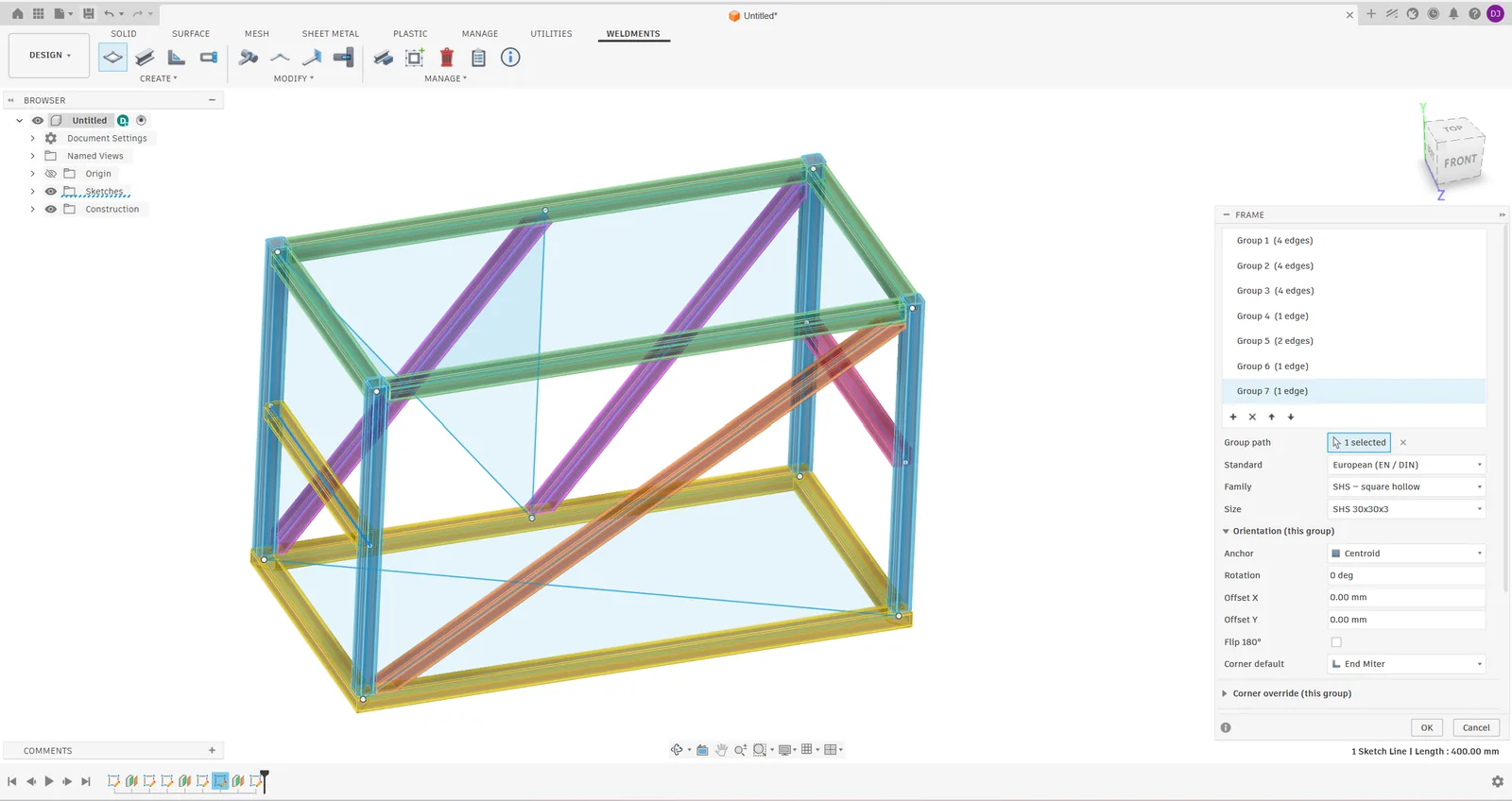
A detailed frame with 30 to 50 members and mixed joints: model the sections, trim connections, check the assembly and prepare its cut list. Starts from an agreed layout and profile sizes.
By hand
~8–16 h
Sketch each profile, extrude each member, trim the joints and repeat across the frame.
With the add-in
~1–2 h
Select layout lines, choose profiles and generate members and joints together. Prepare the cut list from the frame.
Spend time on the frame design, rather than drawing every member.
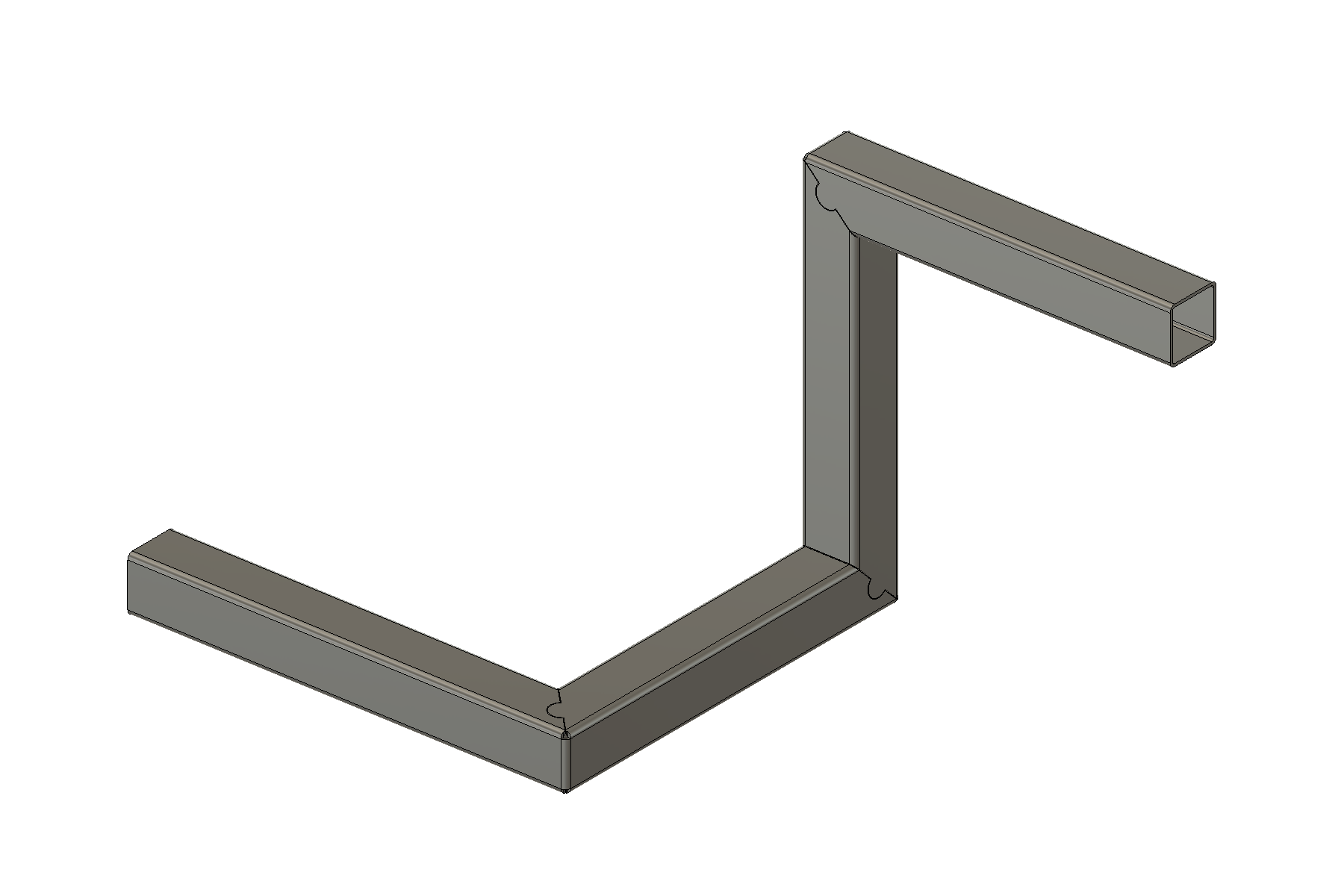
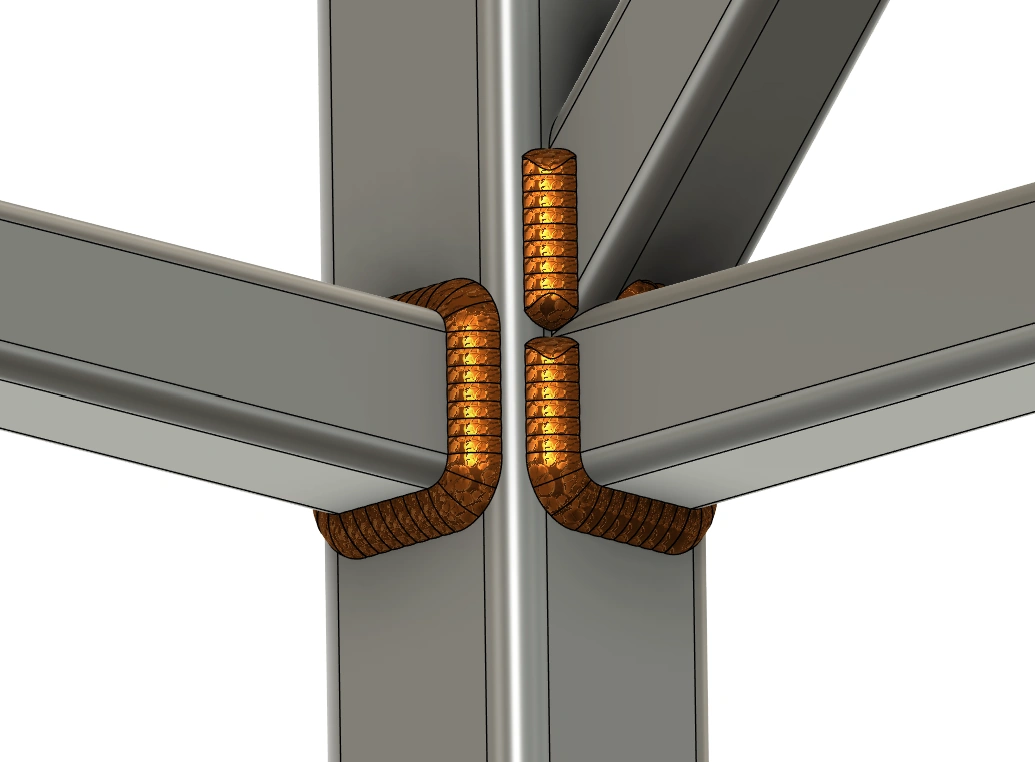
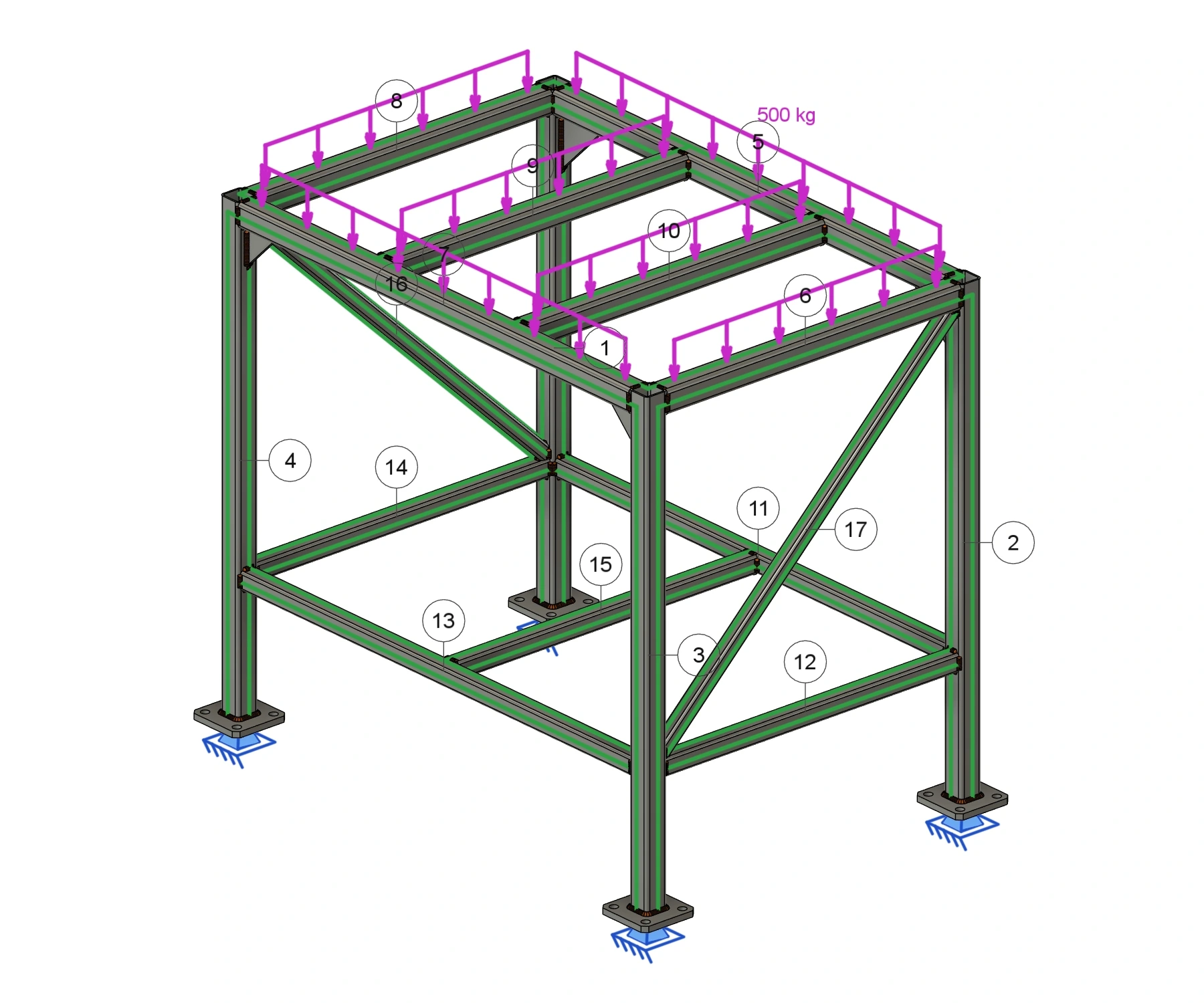
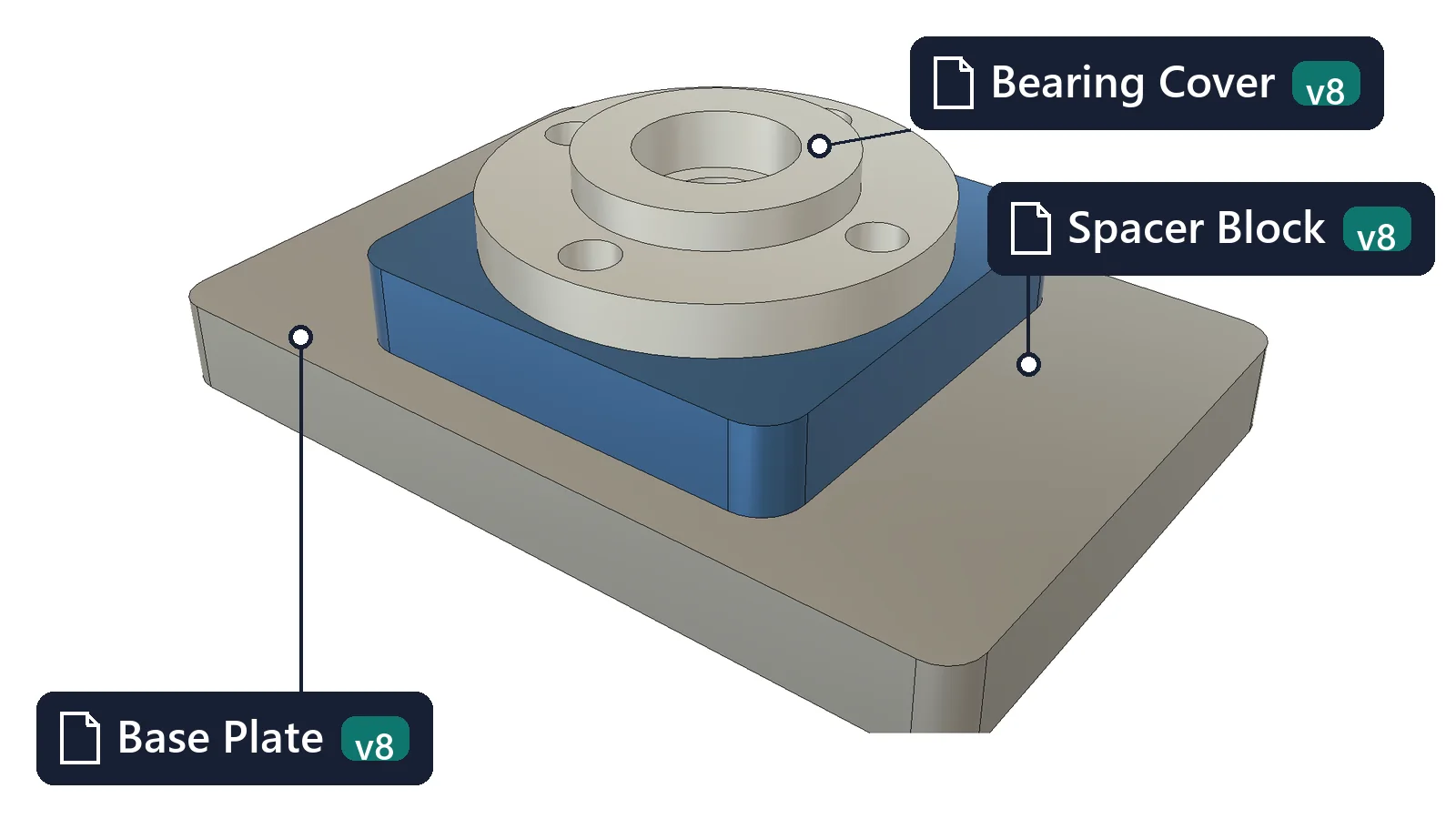
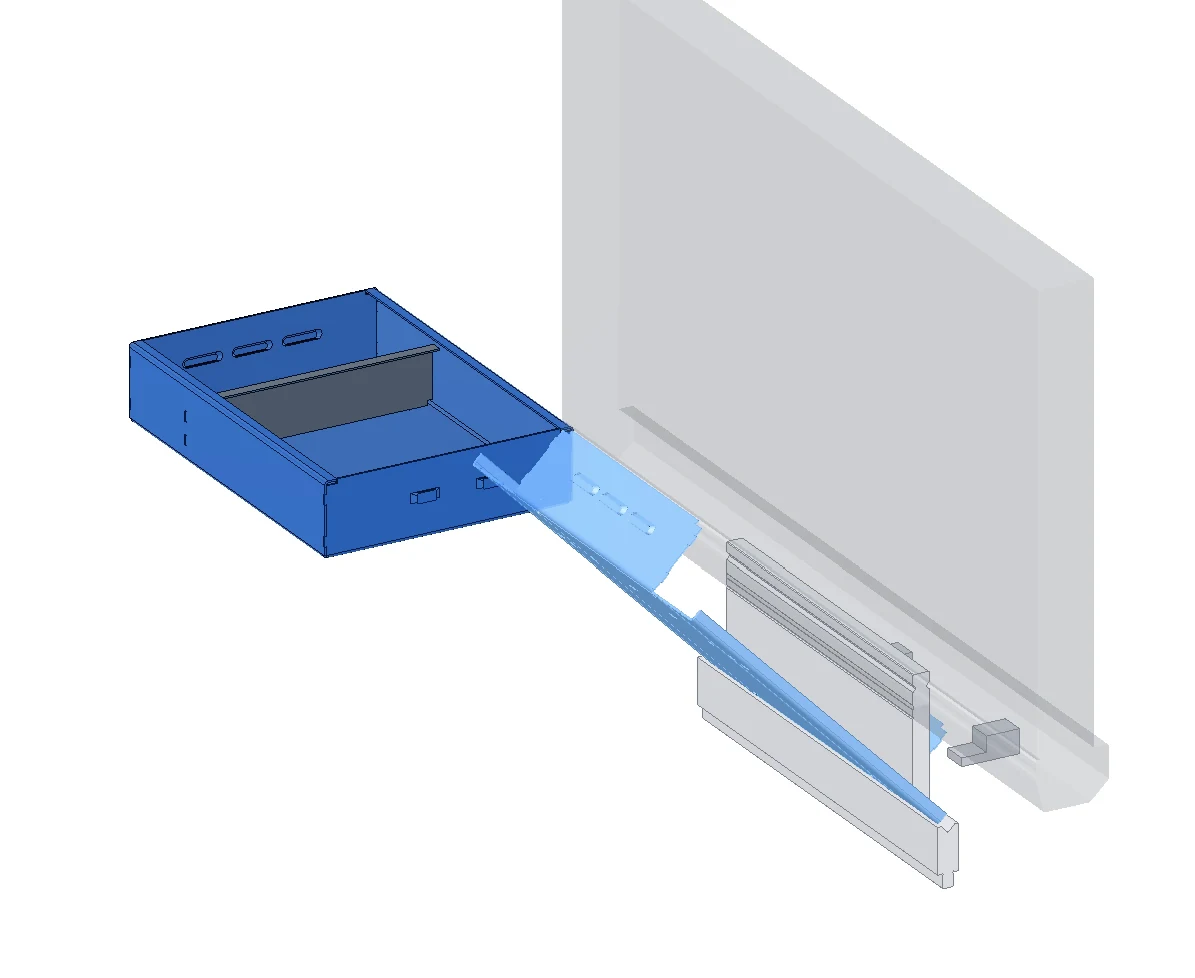
Preparing an existing frame for fabrication and review: V-Notch & Fold, Tab / Slot, weld modelling and Frame Check as needed. The range covers the overall workflow, using the tools required for the job.
By hand
~4–8 h
Construct V-cuts, hinge walls and locating tabs; work out the straight cutting blank for folds in different planes. Model weld beads, collect seam quantities and prepare a separate beam model for checking the frame.
With the add-in
~30–50 min
Use V-Notch & Fold for the folded tube and straight blank, add matching Tab / Slot joints and 3D welds, then prepare weld quantities and run Frame Check on the existing frame.
Less repeated geometry, measurement and model transfer. Quick frame assessment; separate design-code verification is required.
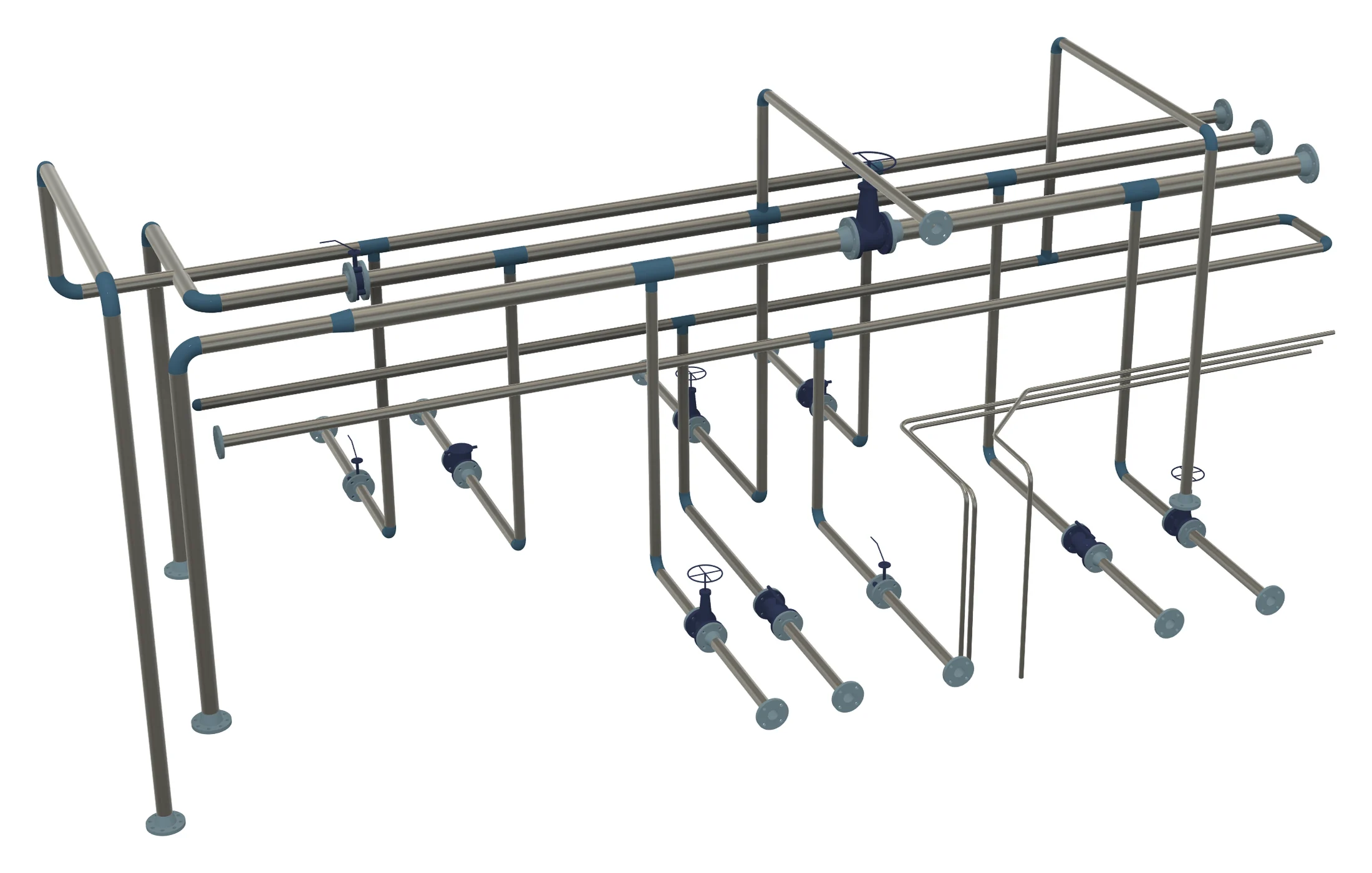
A detailed pipe rack with 20 to 30 route segments, bends, fittings and supports, including connection placement and an assembly check. Starts with the route layout and library parts ready.
By hand
~8–16 h
Model tube sections and bends, place each fitting and work out the connection positions by hand.
With the add-in
~1–3 h
Create routes from sketches or coordinates, then add fittings, flanges, valves and supports along them.
Work on where the pipe needs to go, with less repetitive modelling.
Plan and review a part with 8 to 12 bends, then prepare its bend sheet, with the machine and tool library configured. Excludes physical machine setup and test bends.
By hand
~2–4 h
Work out the bend order, tool choices and part orientation yourself, then write the instructions for the operator.
With the add-in
~30–60 min
Search for a sequence using the machine’s tools, inspect each step in 3D and export a bend sheet with tooling and handling instructions.
Review the bending plan visually in Fusion. Check warnings and confirm the setup on the real machine.
These approximate ranges reflect my own experience with the workflows described. They include model review and exclude learning the tool and initial library setup. Your time will depend on the model, familiarity with Fusion and the amount of checking required.
Can this be automated?
Describe the work you repeat and the result you want. A sample image or video helps, but is optional. You don’t need to know anything about the Fusion API.
I’ll check what Fusion allows, then agree the scope, price and delivery plan with you before development starts. A small tool for one repeated task can be a useful starting point.
Need a bug fix or feature in an existing add-in? Use the feedback form.